Download the r4444 5 App
Free APK for Android
The official r4444 5 app puts slots, live casino, cricket betting and instant bKash deposits right on your phone. Free to download — no Google Play needed. Scan the QR code below or tap the button to get the APK.
18+ · Play Responsibly · bKash · Nagad · Rocket · Upay
Scan to download
Why Use the r4444 5 App?
Everything you can do on the website works in the app — and some things work better on mobile.
Instant bKash & Nagad Deposits
Top up your account in under 5 minutes using bKash, Nagad, Rocket or Upay — all supported inside the app. No need to open a browser; the payment flow is built into the app screens.
Live Cricket & Sports Betting
Follow BPL, IPL and ODI matches in real time. Place in-play bets on cricket, football and more directly from the app. Odds update live, and you get push notifications for big events and match starts.
Over 2,500 Casino Games
The full r4444 5 game lobby is available in the app — slots from Pragmatic Play and JILI, live dealer tables from Ezugi, fishing games from CQ9, and Crash titles. Filters and search make finding games quick.
Push Notification Alerts
Get notified when a deposit lands, a bonus is credited, or a withdrawal is processed. You can also enable match-start alerts for your favourite cricket teams — so you never miss a live betting window.
Secure Login & Fast Sessions
Log in with your r4444 5 username and password. The app keeps your session active without constant re-login prompts. All data is encrypted over HTTPS, and you can enable fingerprint unlock on supported Android phones.
24/7 Live Chat Support
The in-app live chat connects you to the r4444 5 support team around the clock. If you hit an issue during a deposit, withdrawal or game session, chat is a single tap away — no need to leave the app.
Download r4444 5 APK
This is the official r4444 5 APK. It is not available on Google Play Store — you download it directly from this page. The file is safe and signed by r4444 5. See the security section below for details on permissions.
Already have an account? Log in here. New player? Register first — it only takes 2 minutes.
Version & System Info
The app is updated regularly. If your installed version is older than 2.5.18, uninstall the old APK and download the current file from this page.
Android Installation — Step by Step
Installing an APK outside Google Play takes one extra setting change. Follow these five steps and you will be playing in under 5 minutes.
-
1
Allow Unknown Sources
On your Android phone, go to Settings → Security (or Privacy on some brands). Find "Install unknown apps" or "Unknown sources" and toggle it on for your browser or file manager. This lets Android accept APK files that did not come from Google Play.
-
2
Download the APK File
Tap the Download APK button above (or use the QR code on a second device). Your browser will save r44445.apk to your Downloads folder. The file is 32 MB — it downloads in seconds on a normal mobile connection.
-
3
Open the Downloaded File
Pull down your notification bar and tap "r44445.apk – Download complete", or open your file manager app and go to Downloads. Tap the file. Android will ask if you want to install — tap Install to proceed.
-
4
Wait for Installation
The install process takes around 10–15 seconds. You will see an "App installed" confirmation screen. Tap Open to launch the r4444 5 app immediately, or find the icon on your home screen or app drawer.
-
5
Log In or Register
If you already have an r4444 5 account, tap Log In and enter your credentials. New players tap Register — the sign-up form takes about 2 minutes. After registering, deposit via bKash or Nagad to claim your welcome bonus.
iPhone / iPad Users
Apple does not allow APK files, so there is no iOS app in the App Store. Instead, add the r4444 5 website to your iPhone home screen — it behaves like a native app.
- Open Safari on your iPhone and go to r44445.lat.
- Tap the Share button (the box with an arrow pointing up) at the bottom of the screen.
- Scroll down in the share sheet and tap "Add to Home Screen".
- Give the shortcut a name (e.g. r4444 5) and tap Add in the top-right corner.
- The r4444 5 icon now appears on your home screen. Tap it to open the site in full-screen mode, without browser address bars.
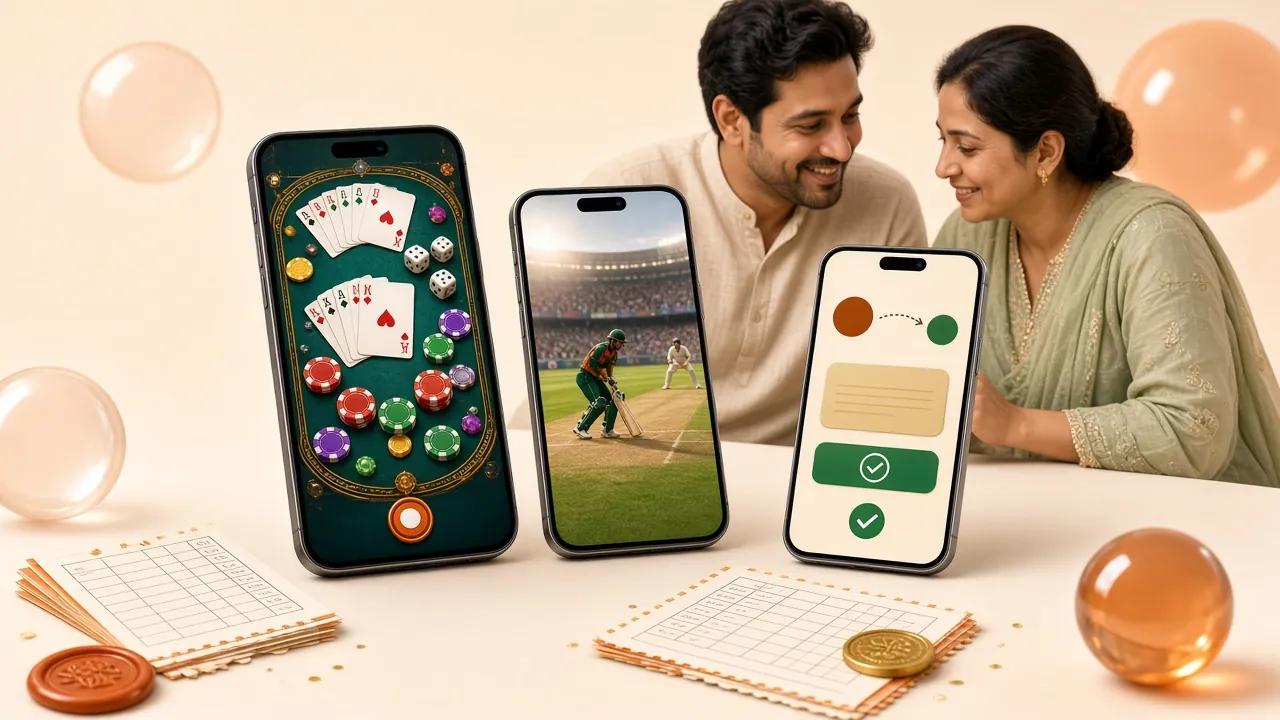
What You Can Play in the r4444 5 App
The full game lobby from r4444 5 Casino is available inside the app. Over 2,500 titles from six major providers.

Pragmatic Play · JILI · JDB

Ezugi · Playtech
CQ9 · Ezugi
BPL · IPL · T20 · ODI
CQ9 · JDB
Coin · Wild Bounty · Mines Gold
Min bet starts at ৳1. Max bet varies by game — up to ৳50,000 on titles like Wild Bounty Showdown and Drill That Gold. View full game lobby.
r4444 5 App vs Browser — Which Is Better?
Both the app and the mobile browser version give you full access to r4444 5. But the app has clear advantages for active players.
| Feature | r4444 5 App | Mobile Browser |
|---|---|---|
| Push Notifications (deposits, bonuses) | Yes | No |
| Fingerprint / biometric login | Supported | Depends on browser |
| Game loading speed | Faster — cached assets | Slightly slower |
| bKash in-app payment flow | Optimised | Works but extra steps |
| Session stays active (background) | Yes | May expire when tab closes |
| Access without downloading anything | APK install required | Open URL immediately |
| Available on iPhone | Add-to-home workaround | Full support |
| Home screen icon | Yes, app icon | Yes, if added manually |
| Offline error page | Friendly in-app screen | Generic browser error |
For most players in Bangladesh using bKash or Nagad and playing on Android, the app is the recommended way to access r4444 5.
Security & App Permissions
The r4444 5 APK requests only the permissions it actually needs. Here is what the app uses and why.
Internet Access
Required to load games, process payments and connect to live chat. The app uses encrypted HTTPS connections for all data. No unencrypted traffic is sent to or from the r4444 5 servers.
Push Notifications
Used to alert you when a deposit is confirmed, a bonus is credited or a withdrawal is processed. You can turn off notifications at any time in your Android notification settings without affecting app functionality.
SSL Encryption & Data Safety
All account data, payment details and game history are encrypted using TLS 1.3. The r4444 5 app does not store card details locally. Your bKash or Nagad number is only used during the payment step and is not logged by the app.
Biometric Login (Optional)
On devices running Android 9 or later with a fingerprint sensor, the app can use biometric authentication for login. This is optional — you can always fall back to your username and password. Biometric data stays on your device; r4444 5 never receives it.
Troubleshooting Common Installation Issues
Most problems happen during installation, not after. Here is a quick reference for the issues players in Bangladesh report most often.
| Problem | Likely Cause | Fix |
|---|---|---|
| "Install blocked" or "For your security, your phone is not allowedto install unknown apps" | Unknown sources setting is off for your browser or file manager app | Go to Settings → Security → Install unknown apps. Select your browser (e.g. Chrome) and toggle "Allow from this source" to ON. Then tap the APK file again. |
| "App not installed" error after tapping Install | An older version of the r4444 5 app is already installed, or the downloaded file is incomplete | Uninstall any existing r4444 5 app first (long-press the icon → Uninstall). Then re-download the APK from this page and try again. Check your storage — you need at least 64 MB free. |
| APK file does not open after download | The download was interrupted and the file is corrupted, or the browser saved it with a wrong extension | Delete the partial file from your Downloads folder. Reconnect to a stable Wi-Fi or 4G connection and download again. If the problem persists, try a different browser (Chrome or Samsung Internet). |
| App crashes immediately after opening | Your Android version is below 8.0, or insufficient RAM | Check your Android version in Settings → About Phone. The r4444 5 app requires Android 8.0 or higher. Close all background apps to free RAM, then relaunch. If the device is below Android 8.0, use the browser version at r44445.lat instead. |
| Login fails inside the app after install | Wrong password, or account not yet registered | Double-check your username and password. If you forgot your password, use the "Forgot Password" link on the login screen. If you do not have an account yet, tap Register or visit /r44445-register/ to sign up first. |
Still stuck? Open live chat inside the app or email [email protected] — the team is available 24/7.
Frequently Asked Questions
Common questions about the r4444 5 app download, safety and account setup.
Is the r4444 5 APK safe to install?
Why is the r4444 5 app not on Google Play?
How do I update the r4444 5 app to the latest version?
Can I use the same account on both the app and the browser?
Does the app support bKash and Nagad deposits?
What should I do if the APK download link is not working?
Do I need to create an account before installing the app?
Ready to Play on Mobile?
Download the r4444 5 app now — free, 32 MB, Android 8.0+. Deposit from ৳100 via bKash and start playing over 2,500 games. If you do not have an account yet, register here first — it is free and takes 2 minutes.
18+ · Play Responsibly · bKash · Nagad · Rocket · Upay